
A private file. A clear path.
Protect it on your device. Share it your way. The intended recipient opens it with Qvlt.
- ProtectOn your device
- ShareThrough your chosen delivery path
- UnlockOn the recipient’s device
- 01
Protect
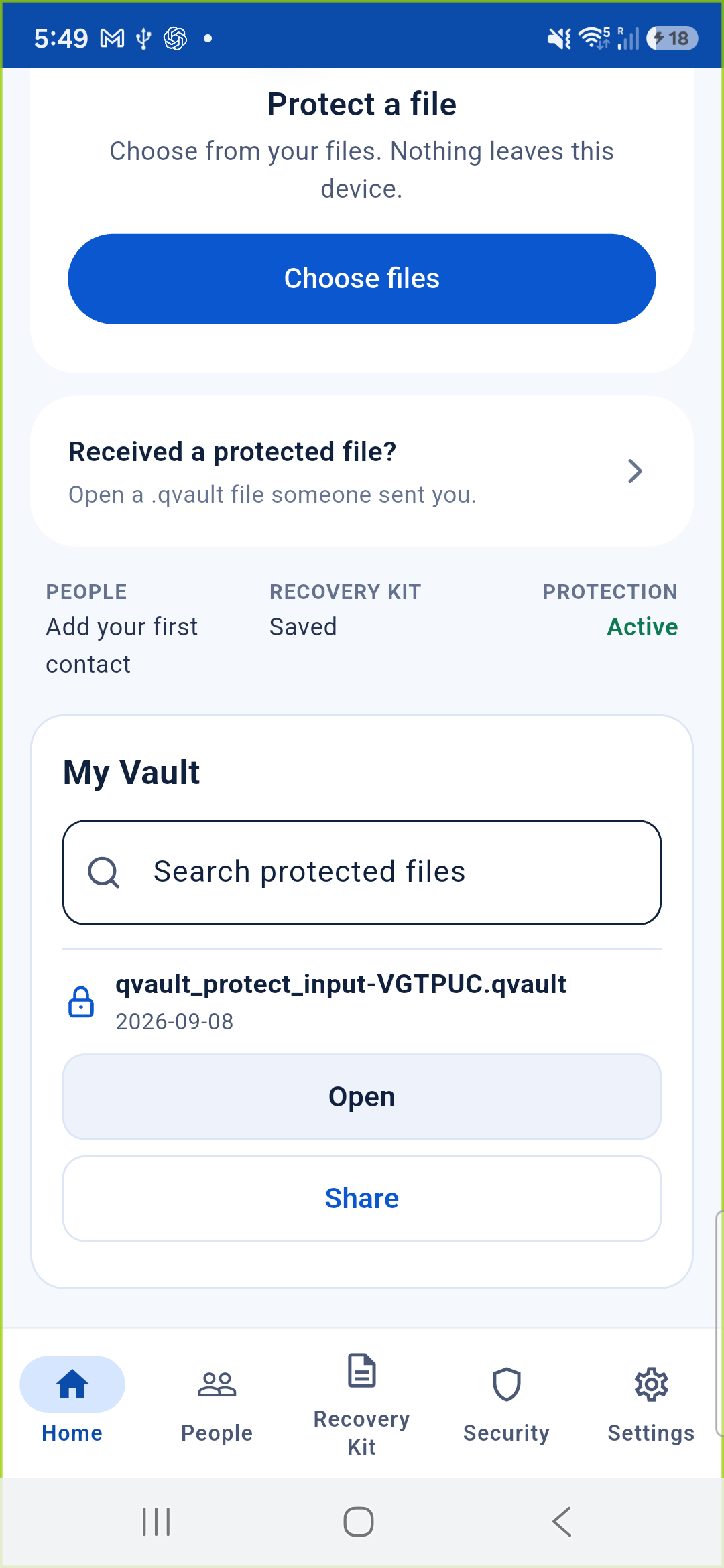
Choose a file to keep private, for yourself or someone you trust.
Sharing starts with a verified contact.
Add a contact and check their cryptographic identity. For in-person QR pairing, confirm you are connecting with the right person.
Then choose that verified contact as the recipient. An email address alone cannot authorize access.
Qvlt creates the protected .qvault file locally. No Qvlt account or upload to a Qvlt cloud is required.
- 02
Share
Send the protected file through your chosen delivery method: a file transfer, removable storage, or an external service.
An external provider may see delivery information and handles the protected file under its own policies.
- 03
Unlock
The intended recipient opens the file with Qvlt and uses their identity to unlock it on their device.
Qvlt checks the protected content before making it available. The recipient controls any unprotected copies they choose to keep.
Before you share: the recipient needs Qvlt and their own identity.
Read the sharing questionsProtect what matters.
In development. Preparing for release.
View availabilityWindows · macOS · Android · iPhone / iPad